Explore Mode Spotlights - everything you need to know about the modes with helpful tips and tricks.
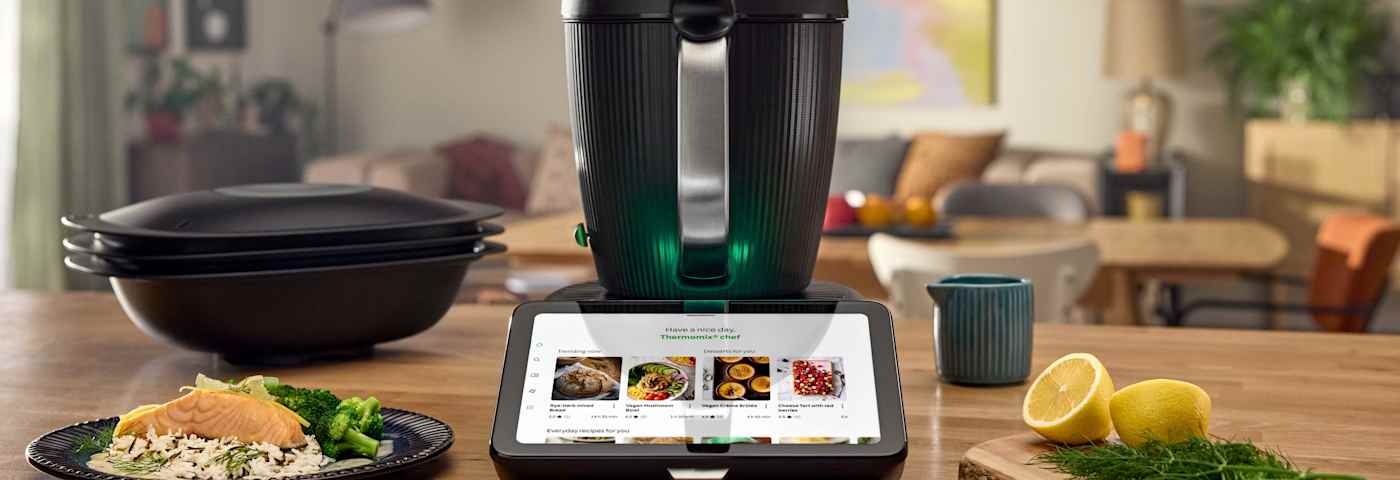
Thermomix® brings cooking inspiration to every meal, from everyday basics to more advanced techniques you might expect in a fine dining kitchen.
![int thermomix TM6 food-lifestyle 3659 medium] (//images.ctfassets.net/h5rl2mueihpm/1CWF2FIR08w4SIDfj4D9x7/6869c2c9d9e8ff4b0415e17af9c0c7c8/int_thermomix_TM6_food-lifestyle_3659_medium.jpg)[right]
What are modes?
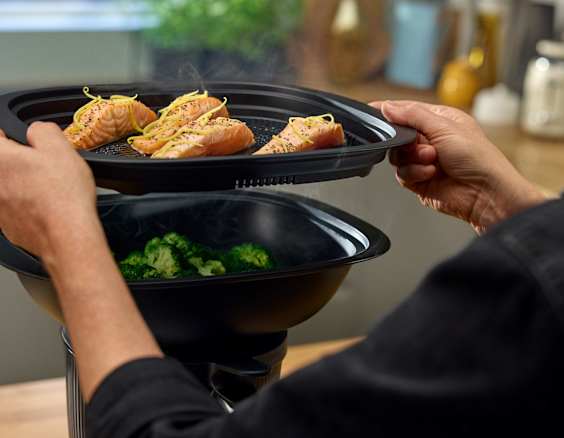
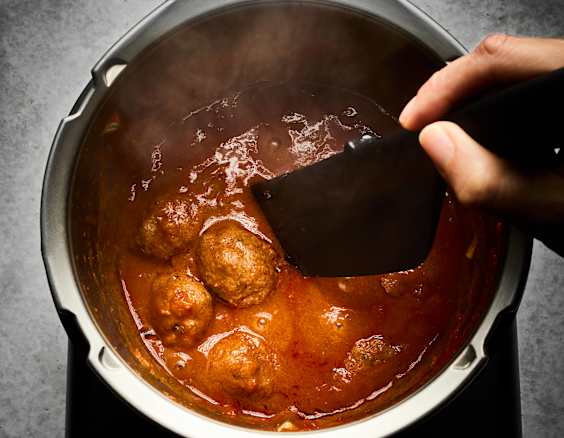
Thermomix® modes are intelligent cooking and food preparation functions built into the software. They automatically combine time, temperature and speed, so all you need to do is select the mode and let Thermomix® do the rest.
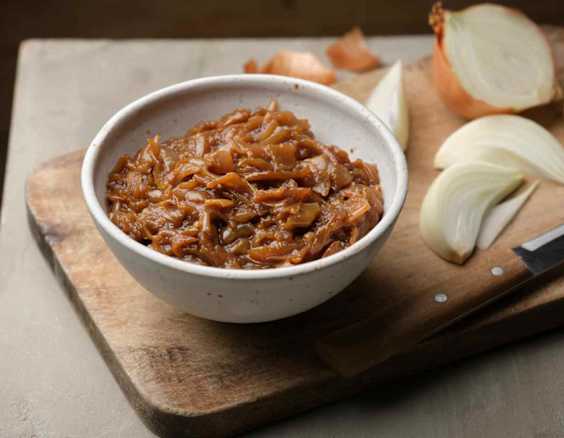
There’s a mode for almost everything, from sautéing onions and blending soup to making yoghurt or caramel.
To help you get the most out of your Thermomix® modes, we’ve grouped them into five categories: Daily Basics, Unique Experiences, Homemade Specials, Easy Routines and Superfast Chop. Click on each mode below to explore the spotlight pages!
For everyday cooking, enjoy modes that are practical, easy and quick.
For those "WOW" moments...
Nothing beats a homemade meal made from scratch.
Make life easy by letting Thermomix look after so many 'everyday' jobs in the kitchen, from cleaning your mixing bowl, warming up soup, making tea, or peeling veg.
Turbo chop, slice, grate and spiralize all you want… but don’t ever waste another minute doing it by hand!
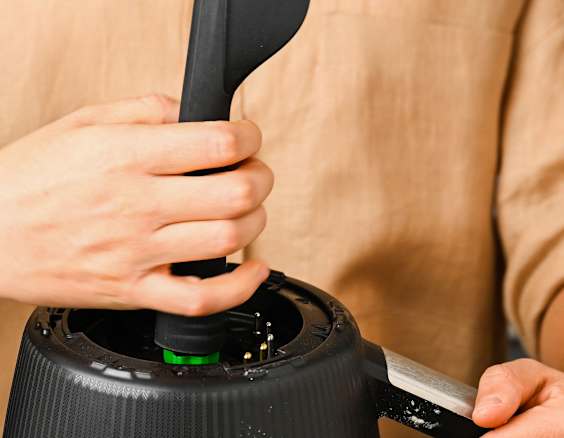
 Chop tool is only available on TM6. For TM7 users, pre-sets remove the guesswork by automatically setting the time, temperature and speed for chopping and cooking ingredients.
Chop Tool